The best sauna timer app is the one that does a single job reliably — a clear countdown and a firm nudge to get out — and resists the urge to become a wellness platform. In my setup that role is filled by a plain interval timer plus the energy data from my monitoring plug, and almost never by the cabin manufacturer’s own app. Simpler is genuinely better here.
I have tried the cabin’s bundled app, standalone interval timers, and just using my hub’s dashboard, across full winters of real sessions. The pattern is consistent: the apps that try to track your wellness get deleted; the ones that count down and shut up get used. Here is how I sort them, what features actually matter, and why you probably already own the best option.
What a sauna timer actually needs to do
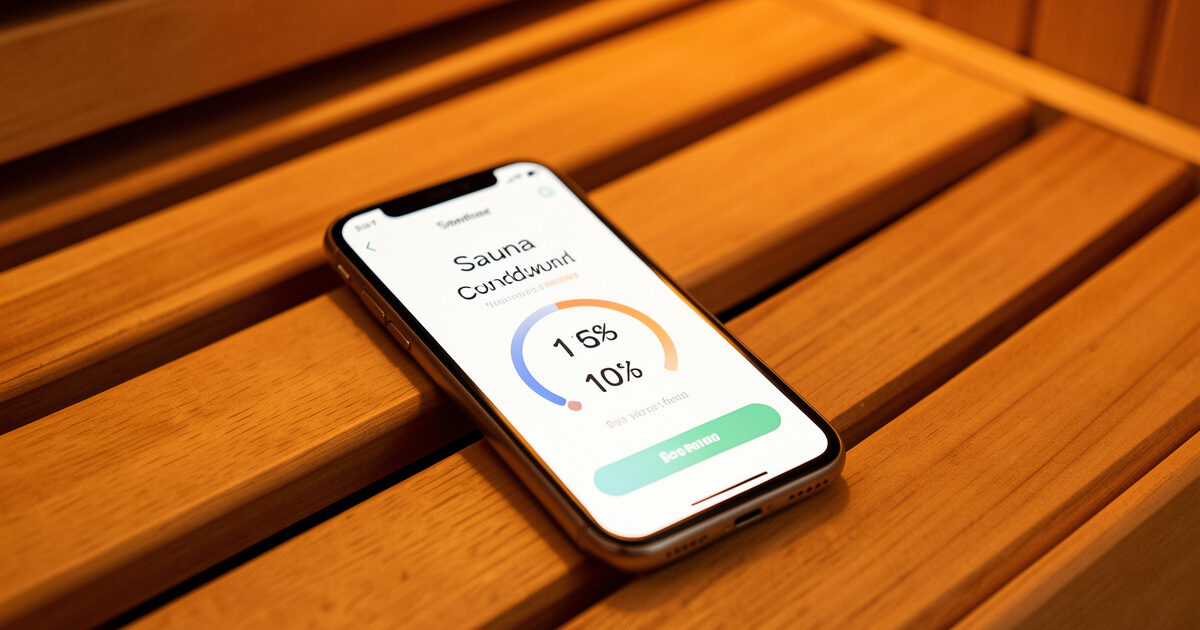
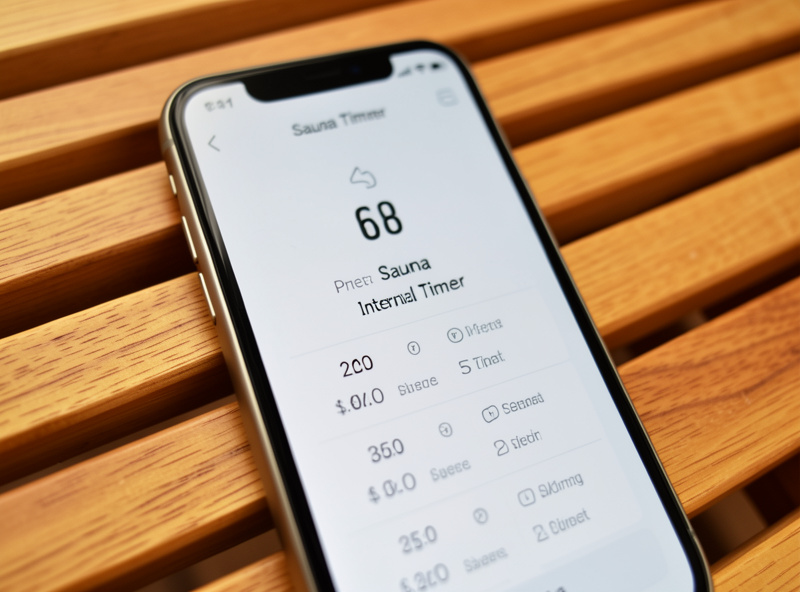
Strip it back and a sauna timer has three jobs: count down a set session length, alert you clearly when time is up, and ideally let you preset a couple of durations so you are not fiddling with a touchscreen at temperature. That is the whole brief. A 30-minute countdown with a loud, unmissable end alert beats any app with graphs you will never open.
The reason simplicity wins is the environment. You are warm, possibly with your eyes closed, not in the mood to navigate menus. The best timer is one tap to start a preset and a clear signal at the end — the kind of interaction you can do without looking. Anything more elaborate is friction you will resent by the third session. I keep mine to two presets, a short ramp-in session and my standard one, and that covers everything. The session-length thinking behind those presets is in how long to sit in an infrared sauna; the app just enforces the number you already chose.
The four kinds of app, compared
Everything I have used falls into one of four buckets, and the right pick depends on how much else you have automated. The table is how I think about the trade-offs.
| App type | Strength | Weakness | Best for |
|---|---|---|---|
| Manufacturer cabin app | Starts the cabin remotely | Cloud-dependent, bloated, often clunky | Owners with no other smart layer |
| Generic interval timer | Dead simple, reliable, offline | No cabin or energy integration | Most people — the default pick |
| Smart-home hub dashboard | Timer + preheat + energy in one place | Needs a hub set up first | Owners already running automation |
| Phone built-in timer/clock | Already installed, zero cost | No presets or logging | Minimalists who want nothing extra |
Why the manufacturer app usually loses
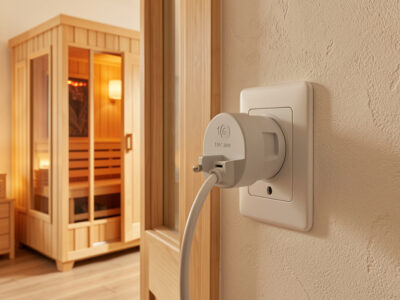
The cabin maker’s app sounds like the obvious choice and is usually the worst of the four. Its real purpose is to start the unit remotely, which a smart plug already does more reliably. Layered on top is a timer buried in a menu, a “wellness” dashboard nobody asked for, and a hard dependency on the manufacturer’s cloud — so when their server has a bad day, your timer stops working. That is a poor trade for a countdown.
There is also a quiet privacy and longevity issue: a cabin tied to a proprietary app is only as supported as the company behind it, and small wellness-gear brands come and go. Keeping your control on a generic plug and a generic timer means nothing you rely on nightly depends on one vendor staying in business. I keep the manufacturer app installed as a fallback and use it for almost nothing, which is exactly where it belongs. The fuller argument for local-first control is in the smart sauna controls hub.
If you run a hub, the dashboard is the answer
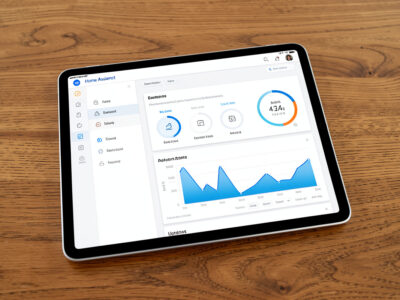
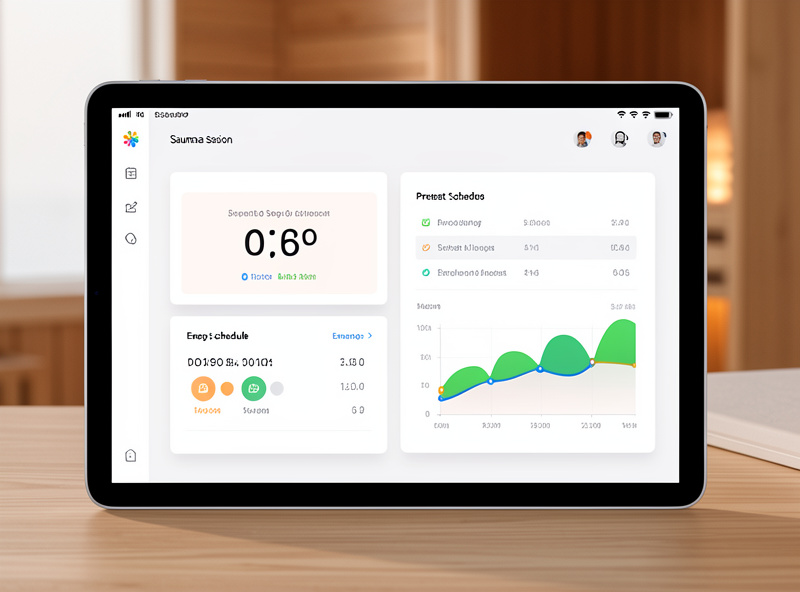
For anyone with a smart-home hub, the best timer app is the one you already have: your hub’s dashboard. It puts the session countdown next to the preheat schedule and the live energy draw, so one screen handles starting the cabin, timing the session, and showing what it cost. That consolidation is the genuine upgrade — not a fancier timer, but every sauna function in one place. The build for that lives in Home Assistant sauna automation.
The hub route also lets the timer do something a standalone app cannot: tie the end of the session to an action, like fading the chromotherapy light and confirming the plug switched off. That is the difference between an app that tells you time is up and a system that ends the session cleanly. If you have already built the automation, do not bolt a separate timer app onto it — use the dashboard you have.
A note on session logging
Some apps push session logging hard, and I keep mine deliberately loose. I track duration, set temp, panel temp, kWh, and a rough note on how the session felt — enough to notice patterns across heater types, not a quantified-self project. A simple notes file or the hub’s history does this without an app demanding daily engagement, and it is the approach I cover in automated session tracking.
One honest caution that belongs here: a timer app is for timing comfort and convenience, not for chasing a health outcome. I do not run longer sessions because an app gamifies a streak, and I would steer anyone away from apps that frame sauna use as a target to maximise. Session length is a comfort-and-safety decision covered in sauna safety — the app’s job is to enforce the sensible number you already picked, then get out of the way.
Getting an alert you will not miss
The single most underrated feature is the end alert, and most people set it too quietly. Warm, relaxed, possibly half-asleep, you will sail past a gentle buzz. I set the timer to a loud, repeating alert — not a single chime — and on the hub I add a second cue, the light fading, so there is a visual signal even with my eyes shut and a phone across the cabin. Two channels for “time is up” is cheap insurance against an accidental overlong session, which matters more for comfort and hydration than people expect.
This is also where a vibrating wearable earns its place if you already wear one: a buzz on the wrist is harder to ignore than a phone on the bench. I do not treat that as health tracking, just as a more reliable alarm. Whatever the channel, the goal is the same — the end of the session should be impossible to miss, because the whole reason to run a timer is that your own sense of elapsed time gets unreliable once you are warm and settled.
What I actually use
On a normal evening I tap a preset on my hub dashboard, which has already preheated the cabin, and the same screen shows the countdown and the live wattage. When the timer ends it chimes, the light fades, and the log line writes itself. On the rare night the hub is down for maintenance, I fall back to the plain interval timer on my phone — offline, two presets, loud alert — and it does the job without complaint. Neither is the cabin manufacturer’s app, and that is the whole point: the best sauna timer is boring, reliable, and already in your hand.
Related Guides
- Smart Infrared Sauna Controls: The Owner-Installer Guide
- Infrared Sauna Remote Preheat: Walk Into a Hot Cabin
- Home Assistant Sauna Automation: Rules and Sensors
- Sauna Smart Plug Energy Monitoring: Real kWh Per Session
- How Long to Sit in an Infrared Sauna
Frequently Asked Questions
What is the best sauna timer app?
For most people, a plain interval timer app or your phone’s built-in timer. If you run a smart-home hub, its dashboard is better still because it combines the countdown with preheat and energy data. The cabin manufacturer’s app is usually the weakest option.
Do I need the manufacturer’s sauna app for a timer?
No. Its main use is starting the cabin remotely, which a smart plug does more reliably. The bundled timer is usually buried in menus and depends on the maker’s cloud, so it stops working if their server goes down. A generic timer is more dependable.
What features actually matter in a sauna timer?
A clear countdown, a loud unmissable end alert, and one or two preset durations so you are not navigating a screen at temperature. Offline reliability matters too. Graphs and wellness dashboards are extras most owners open once and never again.
Should a sauna app track my health metrics?
It can log duration, temperature and energy if you like, but a timer is for convenience, not chasing a health outcome. Avoid apps that gamify longer sessions. Keep logging loose, and treat session length as a comfort and safety decision, not a target to maximise.
Can I just use my phone’s built-in timer?
Yes. The built-in clock timer is free, offline, and perfectly adequate for a single session length. Its only real limit is no saved presets or logging. If you want two quick presets or session notes, a simple interval-timer app adds that without any cloud dependency.