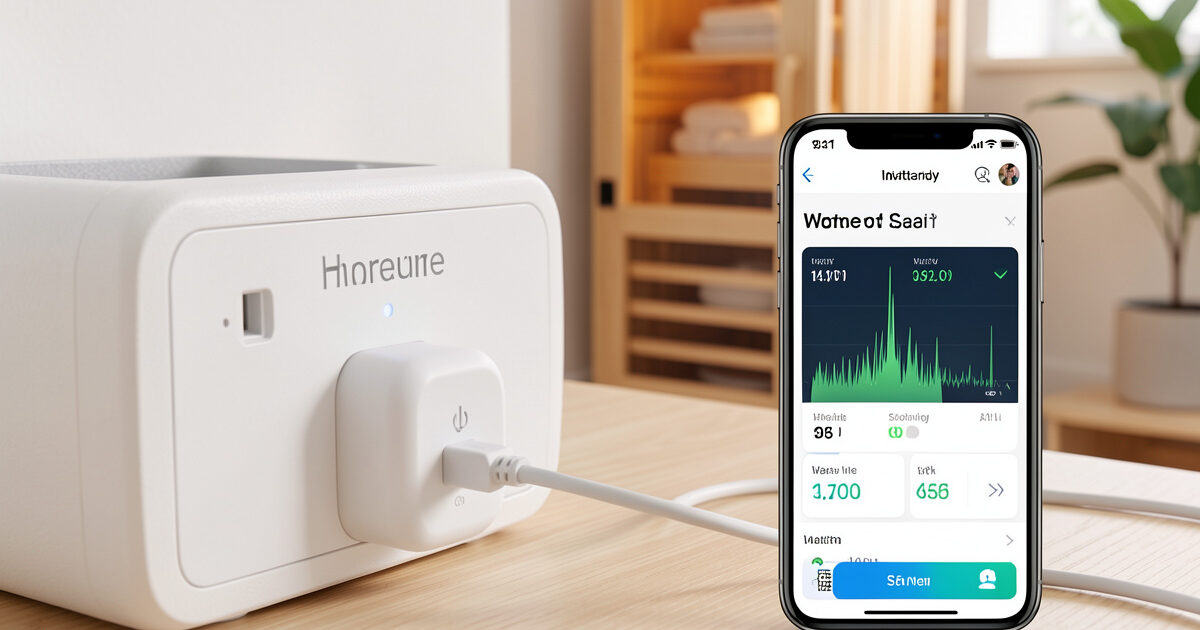
Sauna smart plug energy monitoring answers the one question most buyers never actually run: what does a session cost? An energy-monitoring plug turns the cabin into a metered device, and in my setup a monitoring plug and a kill-a-watt agree that a typical 40-minute session in my 2-person far-infrared cabin draws somewhere around 0.6–0.9 kWh. Multiply by your tariff and you have the real running cost — not the “pennies a session” line on the brochure.
Beyond the cost answer, the per-session number is a quiet diagnostic: when a cabin’s draw creeps up for the same set temp, something is changing. Here is how to pick a monitoring plug, read its data honestly, and use the chart to catch problems before they become surprises — all from the same cheap part that also gives you remote preheat.
What the plug measures, and how accurate it is
An energy-monitoring smart plug measures real power draw in watts and totals it into kWh over time, the same quantity your utility bills. The good ones are accurate to within a few percent of a reference meter — I cross-check mine against a plug-in kill-a-watt and they track closely. That accuracy is enough for the two things that matter: knowing the cost and spotting a trend. It is not laboratory-grade, and you should not treat the third decimal place as gospel, but for running an infrared cabin it is plenty.
The catch is that cheap plugs sometimes report wattage that is wildly off, which makes their energy data decoration rather than measurement. My test on any new plug is to run a session and compare its steady-state wattage against the kill-a-watt; if they disagree by more than a few percent, the plug’s monitoring is not trustworthy and I treat it as a switch only. A plug rated for the cabin’s load that also meters honestly is the combination worth buying, and the rating side of that is covered in smart plug for infrared sauna.
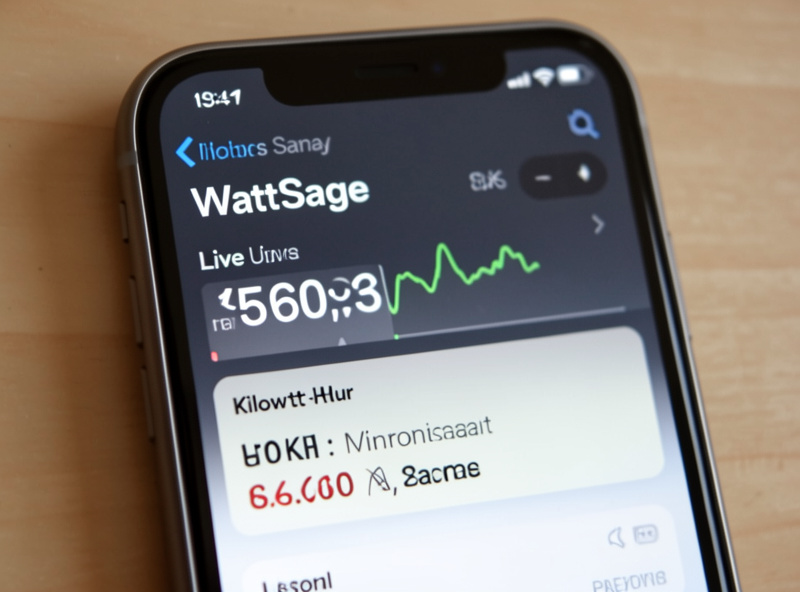
Reading a real session: ramp versus steady state
A session’s energy use has two phases, and understanding them stops the numbers confusing you. During the preheat ramp the panels pull full rated wattage continuously — this is the hungry part. Once the cabin reaches set temp, the controller cycles the panels on and off to hold it, so the average draw drops well below the rated figure. That is why a session’s total kWh is not simply rated watts times hours; the steady-state cycling pulls the average down.
On my cabin the plug’s live chart shows a flat high line during the ramp, then a sawtooth as the controller cycles. Reading that shape tells you things: a cabin that never settles into cycling is struggling to hold temperature, often because of a failing seal or an undersized circuit. The total kWh for the session is the honest cost number, and the shape of the curve is the diagnostic. The cost context across a month of sessions is in infrared sauna electricity cost and the full ownership picture in the cost guide.
| Phase | What the plug shows | What it means |
|---|---|---|
| Preheat ramp | Flat line near rated wattage | Panels at full draw; the costly phase |
| Steady state | Sawtooth, lower average | Controller cycling to hold set temp |
| No cycling | Stays near full wattage | Struggling to hold temp — check seals/circuit |
| Session total | Cumulative kWh | The real cost figure to multiply by tariff |
Using the data as a diagnostic
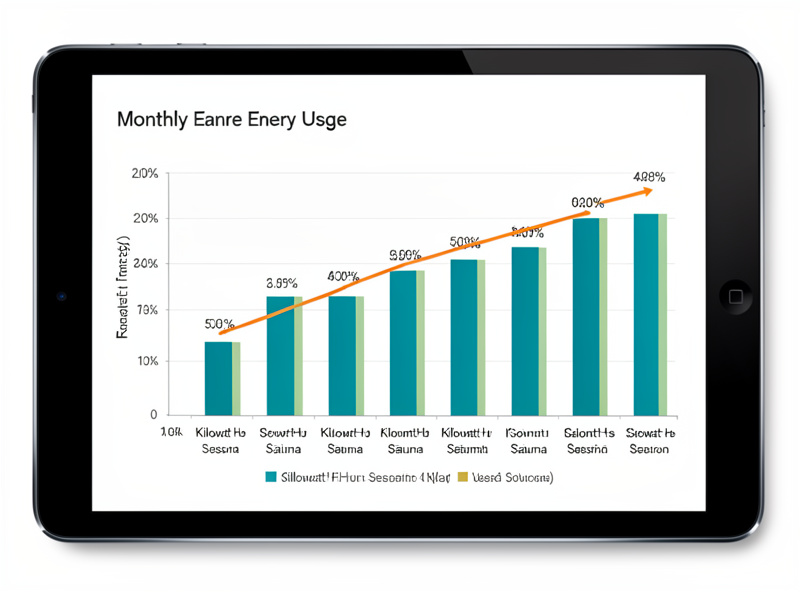
The most underrated use of a monitoring plug is trend-watching. If your per-session kWh for the same duration and set temp slowly climbs over months, the cabin is working harder to reach and hold temperature — a panel degrading, a door seal failing, or insulation settling. A monitoring plug turns that into a visible chart instead of a slow surprise on the electricity bill. I skim my monthly log for exactly this, and it is the kind of pattern you only catch with data.
It also settles arguments about which habits cost what. The chart makes the price of an over-long fixed preheat obvious, which is why I tune the preheat to stop at temperature rather than run a lazy timer — covered in the remote preheat guide. And it feeds the logging side of a smart setup nicely: the kWh figure is one of the few session metrics worth automating, as in Home Assistant sauna automation. The wider stack is the smart sauna controls hub.
Does monitoring add EMF? And the load caveat
No — a monitoring plug measures current, it does not add a field where you sit. On my TriField the plug at the wall is irrelevant next to the heater panels, and its metering circuitry changes nothing about that. So you get the data for free, EMF-wise. What you must not ignore is the load rating: a monitoring plug still has to carry the cabin’s continuous 13–15A, so it needs the same 16A-rated, metal-contact build as any sauna plug. A plug that meters beautifully but overheats is still the wrong part. For 240V and 4-person cabins, monitoring moves to a clamp meter or a metering relay wired by an electrician, since a plug is no longer the right device — see 240V and breaker requirements.
As an Amazon Associate I earn from qualifying purchases. When buying, search for a 16A energy-monitoring smart plug and confirm both the continuous rating and that it reports real wattage, not just on/off.
What to actually log, and how often to look
You do not need a spreadsheet obsession to get the value, just three fields and a monthly glance. I log the session’s total kWh, its duration, and the set temp — that trio is enough to compare like with like, because a session’s energy only means something next to how long it ran and how hot it was held. A 0.7 kWh session and a 0.9 kWh session tell you nothing until you know one was 30 minutes and the other 50.
The cadence that works is: let the plug or hub record every session automatically, and look at the trend once a month rather than fretting over each night. Session-to-session variation is normal — a colder room, a longer preheat, a door opened mid-session all move the number. What you are watching for is the slow drift across many sessions at the same duration and temp, because that is the signal that means something changed in the cabin. Anything you check nightly you will stop checking; a monthly skim of a chart is sustainable and catches everything that matters.
How I use mine
My far-infrared cabin runs through a 16A monitoring plug that I cross-checked against a kill-a-watt when I installed it. Each session’s kWh writes to a log alongside duration and set temp, and once a month I glance at the trend. That is how I know a typical session sits in the 0.6–0.9 kWh range, what it costs me at my tariff, and that the number has stayed flat — which tells me the cabin is healthy. The day it starts climbing, I will know to check the seals and panels before the bill does the telling. That is the real value of energy monitoring: not the gadget novelty, but knowing exactly what the cabin costs and catching trouble while it is still a chart, not a repair.
Related Guides
- Smart Infrared Sauna Controls: The Owner-Installer Guide
- Smart Plug for Infrared Sauna: Pick a Safe-Rated Switch
- Infrared Sauna Remote Preheat: Walk Into a Hot Cabin
- Infrared Sauna Electricity Cost: What a Session Draws
- Home Assistant Sauna Automation: Rules and Sensors
Frequently Asked Questions
How much electricity does an infrared sauna session use?
On a metered plug, a typical 40-minute session in a 2-person far-infrared cabin draws roughly 0.6 to 0.9 kWh, depending on heater type, set temp, and how cold the room starts. Multiply your session kWh by your electricity tariff for the real per-session cost.
Are energy-monitoring smart plugs accurate?
The good ones track within a few percent of a reference meter like a kill-a-watt, which is plenty for knowing cost and spotting trends. Cheaper plugs sometimes report wattage that is well off. Cross-check a new plug against a reference before trusting its numbers.
Why does my sauna’s energy use change between sessions?
A colder starting room and a longer preheat both raise the total. A slow climb over months for the same duration and set temp suggests the cabin is working harder, often a failing door seal, degrading panel, or settling insulation worth checking.
Does an energy-monitoring plug increase EMF?
No. The plug measures current at the wall and adds no field where you sit. On a meter it is irrelevant next to the heater panels. Just make sure it is rated for the cabin’s continuous 13 to 15 amp load, since metering does not change the rating requirement.
Can I monitor energy on a 240V or 4-person sauna?
Yes, but not with a plug-in switch. At that power level you use a clamp meter on the circuit or a metering relay wired by an electrician. The data is the same; only the measuring device changes because a plug is no longer the right tool for the load.