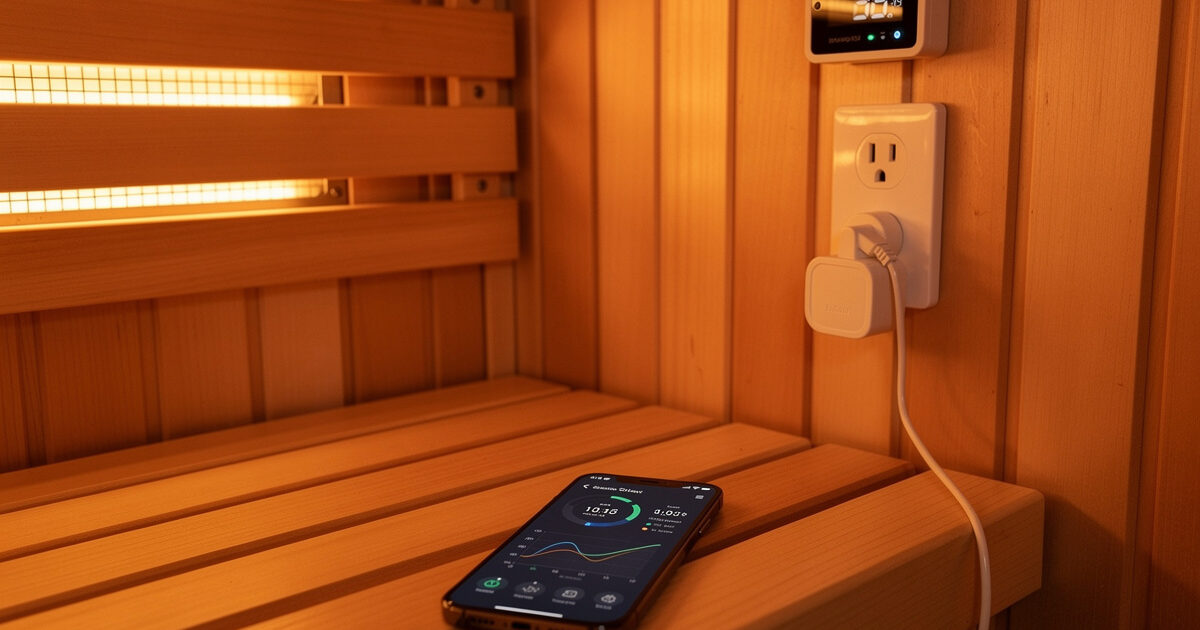
Automating sauna session tracking with a smart plug for power monitoring, a temperature sensor in the cabin, and a heart rate wearable feeding data into a spreadsheet or Home Assistant dashboard turns subjective “I feel better” into objective data you can actually learn from. The hardware already runs your sauna — the smart plug that pre-heats it before you get home also records exactly when the session started, how long the heaters ran, and how many watt-hours the session consumed. Adding a $15 Bluetooth temperature sensor and a chest-strap heart rate monitor to that data stream costs under $60 total and gives you a session log that most wellness clinics cannot produce.
Why Manual Logging Fails and Automation Does Not
Most people who start a sauna routine intend to track their sessions. They open a notes app, write “Monday — 25 minutes, felt good,” and stop doing it by week three because manual logging during or immediately after a session is a chore that competes with the reason you use a sauna in the first place — to relax. Automated tracking captures every session without any logging effort. The smart plug records start time and end time from its power-draw state change. The temperature sensor confirms the cabin hit your target temperature and how long it held. The heart rate monitor shows the cardiovascular load curve. These three data points — duration, sustained temperature, and heart rate response — give you more actionable information about your session quality than six months of manual notes, and they require zero interaction from you. The automation just collects; you review when you want to.
| Data Point | Sensor | Cost | What It Tells You |
|---|---|---|---|
| Session start/end time | Smart plug (power draw detection) | $10-15 | Duration, consistency, skipped days |
| Cabin temperature curve | Bluetooth/Zigbee temp sensor | $15-25 | Preheat time, temperature stability, heater degradation |
| Heart rate during session | Chest strap HRM (Polar H10 or similar) | $45-80 | Cardiovascular load, recovery time, session intensity |
| Ambient humidity (optional) | Combined temp/humidity sensor | $20-30 | Why one session felt different despite same temperature |
| Session energy cost | Smart plug (kWh accumulation) | Included | Actual cost per session, monthly electricity budget |
Smart Plug Automation: The Foundation Layer
The smart plug is the sensor you already own if you use it to pre-heat your sauna. A TP-Link Kasa KP115 or similar energy-monitoring smart plug records real-time power draw in watts and accumulates kilowatt-hours. The moment the sauna heaters switch on, the plug reports a jump from 0W to roughly 1,200-1,800W (depending on heater rating), and Home Assistant logs this as a state change. You write one automation: when the smart plug power exceeds 100W for more than 30 seconds, create a session start event, start a timer, and begin recording temperature and heart rate data into a log file or Google Sheets via a webhook. When the power drops below 50W for more than 30 seconds, close the session, calculate duration and total energy consumed, and append the row. The automation runs whether you remember to tell it to or not.
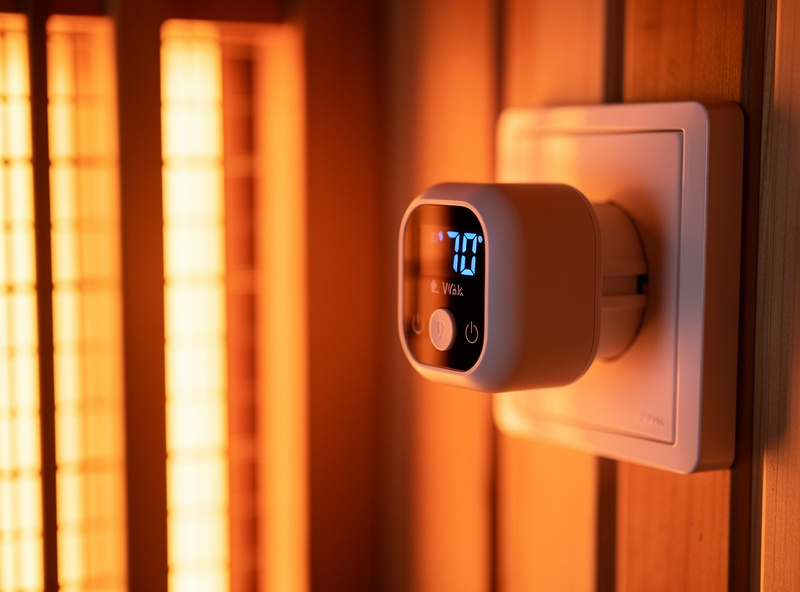
The kWh recording is more useful than most people expect. A 1,500-watt heater running for 45 minutes consumes about 1.1 kWh. At Sweden’s electricity price of roughly 1.5 SEK/kWh (approximately $0.14 USD), a 45-minute session costs about $0.15 — negligible per session but visible when you run 20 sessions per month and see $3 on the monthly total. The number itself is not the point; the point is that automated logging makes the invisible cost visible, and visible data makes you think about whether you are running the sauna at times when electricity is expensive.
Temperature and Heart Rate: The Two Numbers That Matter
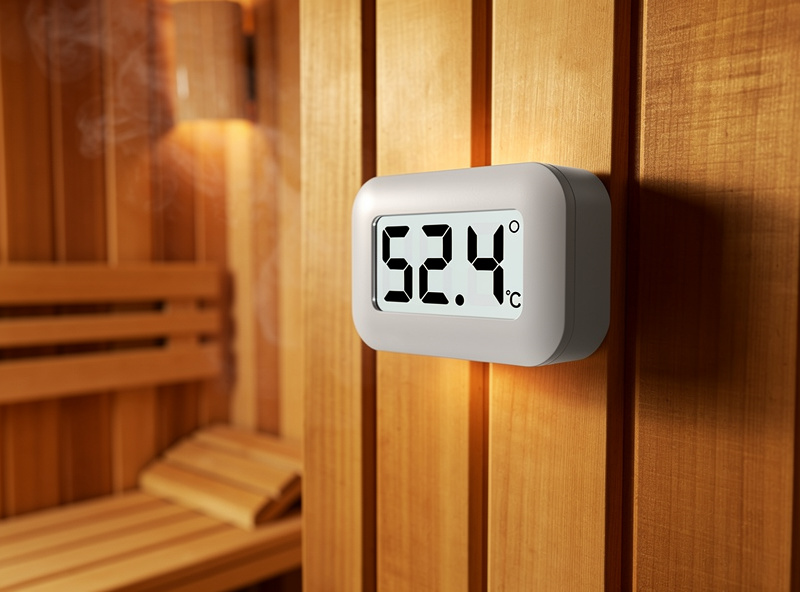
A cabin temperature sensor reveals patterns that casual observation misses. A sauna that takes 15 minutes to pre-heat in August takes 25 minutes in February when the starting ambient temperature is 15C colder — and if you do not track it, you sit in a 45C cabin for the first 10 minutes of what you thought was a full-temperature session. A $15 Xiaomi LYWSD03MMC Bluetooth thermometer (re-flashed with custom firmware for faster polling) placed at head height in the corner furthest from the door gives you a temperature curve for every session with 0.1C resolution and 5-second polling. The data pattern I have seen in my own setup shows that the cabin temperature continues rising for the first 8-12 minutes of a typical session even though the heaters are at full output from minute zero — the air heats faster than the wooden panels, and the panels release stored heat slowly. Without a temperature log, this is invisible. With one, you learn that your effective session starts 5 minutes after the heaters switch on.
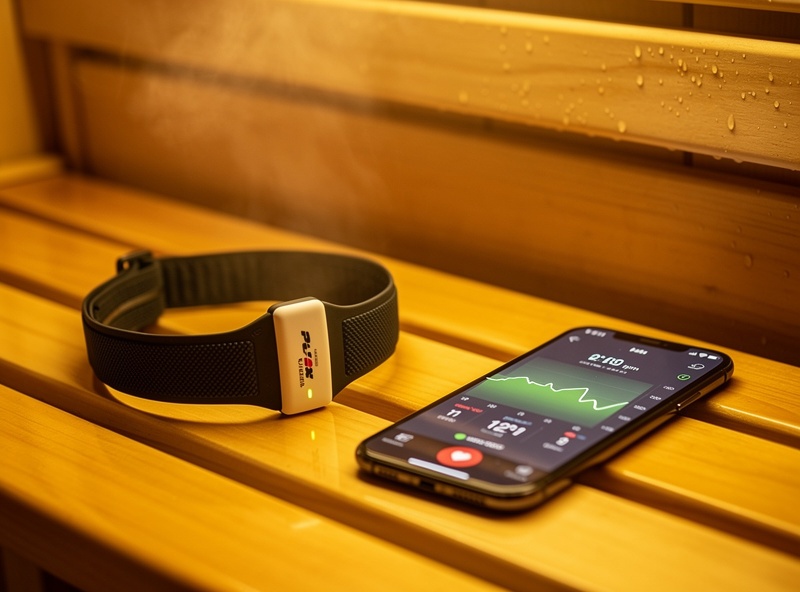
Heart rate is the most personal data point and the easiest to over-interpret. A chest strap like the Polar H10 broadcasts Bluetooth data that Home Assistant’s Bluetooth integration captures natively, giving you beat-by-beat heart rate throughout the session. What you are looking for is not a specific number but a pattern: heart rate rises steadily for the first 10-15 minutes as core temperature increases, plateaus at 10-20 BPM above resting heart rate for most people, and then stays flat for the remainder of the session. A heart rate that spikes then drops sharply suggests the session temperature exceeds your current heat tolerance — back it down 5C next session and compare the curve. A heart rate that barely rises above resting suggests the cabin is too cool or the session is too short for cardiovascular benefit.
For the complete hardware selection and protocol setup that makes this data gathering possible — including which sensors work reliably at sauna temperatures and how to integrate them into a smart home hub — the best smart home sensors buyer’s guide on HomeAutoCentral covers the sensor selection side that the tracking logic here depends on.
Frequently Asked Questions
Can a smart plug automatically track my sauna sessions?
Yes. An energy-monitoring smart plug detects when sauna heaters draw power and records start time, end time, duration, and kilowatt-hours consumed. Home Assistant automations create session logs with zero manual input. A typical 45-minute session at 1500W consumes about 1.1 kWh and costs approximately $0.10-$0.20 per session.
What temperature sensor works inside an infrared sauna?
The Xiaomi LYWSD03MMC Bluetooth thermometer with custom firmware handles up to 60C ambient and polls at 5-second intervals. Mount it at head height away from direct heater radiation. Most consumer smart sensors are rated to 50-60C operating temperature — verify your specific model before installing inside the cabin permanently.
Can I track heart rate during an infrared sauna session?
Yes. A Polar H10 chest strap broadcasts Bluetooth heart rate data that Home Assistant captures natively. Expect a 10-20 BPM rise above resting heart rate that plateaus after 10-15 minutes. Avoid optical wrist sensors — sweat and heat reduce their accuracy significantly compared to electrode-based chest straps.
How do I log sauna session data automatically to a spreadsheet?
Home Assistant automations write session data to Google Sheets via a webhook or IFTTT trigger. Each completed session appends one row: date, start time, duration, average temperature, peak heart rate, and kWh consumed. The automation fires when the smart plug detects the heaters switching off after a session-length minimum duration.
Why does my sauna take longer to heat up in winter?
Ambient starting temperature directly affects pre-heat time. A sauna cabin that starts at 5C in February takes 10-12 minutes longer to reach 50C than one starting at 20C in August. A temperature sensor log reveals this seasonal pattern and lets you adjust the pre-heat schedule so sessions always start at target temperature.
What smart home hub works best for sauna automation?
Home Assistant with a local Zigbee or Bluetooth proxy handles sauna temperature sensors, smart plugs, and Bluetooth heart rate monitors without cloud dependency. Z-Wave sensors work better through sauna walls than Wi-Fi or Bluetooth at range. Avoid cloud-only hubs where internet downtime prevents automation from running.