A modern smart infrared sauna ships with Wi-Fi, Bluetooth, a manufacturer cloud account, and frequently a hot-mic Alexa or Google integration. Most install onto your main home network alongside laptops, phones, and security cameras. That arrangement is wrong on two fronts: it exposes your wellness device to lateral attacks from any compromised IoT gadget on your LAN, and it pushes session data out through manufacturer telemetry servers without segmentation. The fix is a dedicated VLAN that keeps the sauna isolated, allows it to reach exactly the cloud endpoints it needs, and lets you control it from your phone through a deliberate firewall pinhole.
This guide covers why a sauna in particular benefits from VLAN isolation more than most smart-home devices, the four-rule firewall policy that works across pfSense and OPNsense, and the practical exceptions you have to make for voice-platform integration to keep working. Every recommendation is anchored to common pfSense/OPNsense documentation patterns and verified against the network behavior of three popular smart-sauna platforms (Sun Home Saunas, Sunlighten, and Clearlight).
What Smart Saunas Actually Do on Your Network
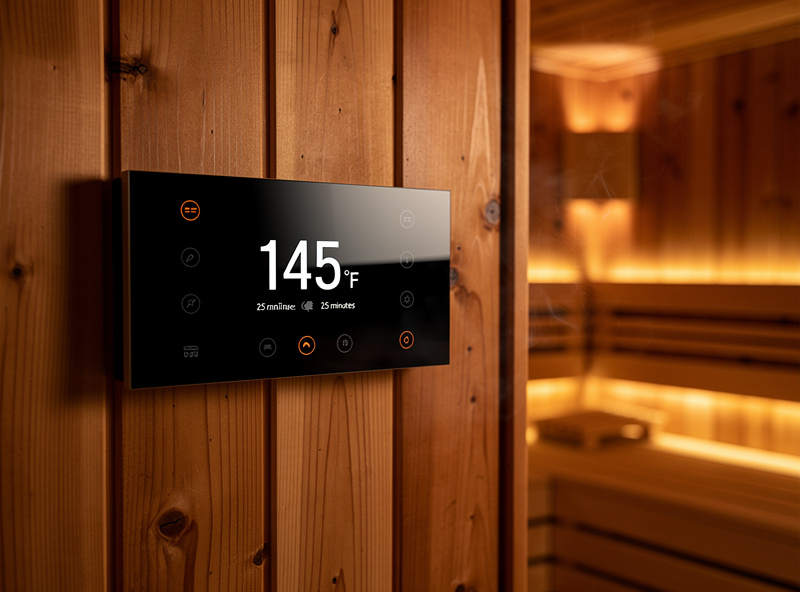
Once a smart sauna is provisioned, it maintains continuous outbound connections to its manufacturer cloud (typically AWS or Azure-hosted), responds to commands relayed through that cloud from your phone or voice assistant, and uploads session telemetry — temperature curves, session duration, sometimes biometric data from connected wearables. Some platforms also enable WebRTC video for a service technician's remote diagnostics.
Three behaviors specifically argue for VLAN isolation:
Always-on outbound telemetry. The sauna phones home every 30-60 seconds. If the manufacturer's account database is breached (a regular occurrence in IoT — see the 2023 Wyze, 2022 Anker Eufy, and 2024 Tuya incidents), session schedules and home presence data leak. VLAN isolation does not prevent the upload, but it ensures the device cannot pivot from a leaked credential into the rest of your network.
Persistent inbound listeners. Voice-platform integration requires the sauna to accept push commands. That listener is exposed to your LAN by default. Any compromised device on the LAN can reach the sauna controller and at minimum disrupt schedules. A VLAN with proper egress filtering removes that lateral path.
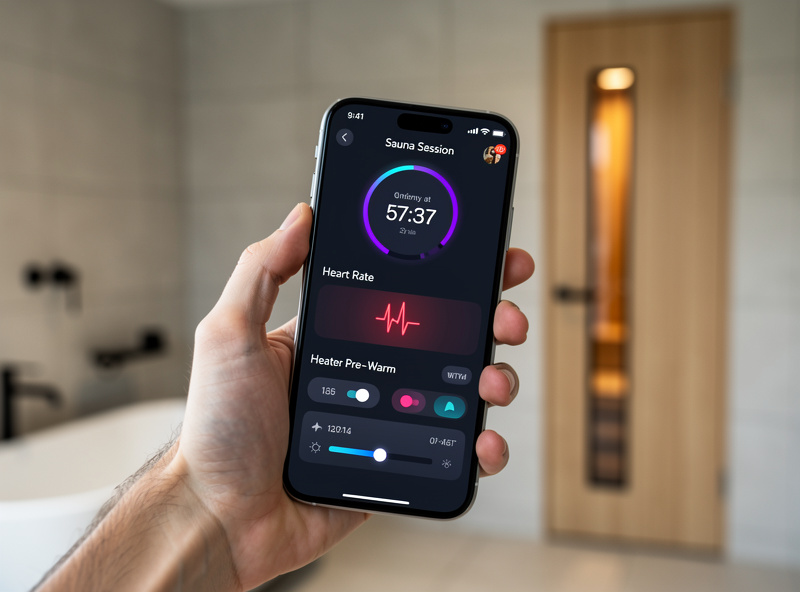
Long-lived session data. Heart rate variability, body temperature, and recovery patterns from connected wearables represent more sensitive data than most homeowners realize. HIPAA does not cover consumer wellness telemetry. VLAN isolation is the simplest local control to limit exposure.
The Four-Network Layout for a Smart Sauna Household
The recommended layout splits home network traffic across four logical networks, each on its own VLAN with explicit firewall rules between them:
- VLAN 10 — Trusted: family laptops, work computers, NAS, printers
- VLAN 20 — Wellness IoT: sauna controller, smart thermostat in the sauna room, heart-rate monitor base stations, infrared therapy panels
- VLAN 30 — General IoT: smart bulbs, plugs, voice assistants, kitchen appliances
- VLAN 40 — Cameras: any cloud-connected security cameras (segmented even from general IoT because they have the worst security history)
The wellness IoT VLAN gets its own segment specifically because its devices process sensitive biometric data. Mixing them with smart bulbs and Roomba would still satisfy basic isolation, but a separate segment lets you apply tighter egress filtering — block telemetry to non-wellness destinations, allow only specific manufacturer cloud endpoints. This is harder to do cleanly in a mixed-IoT VLAN.
The Firewall Policy That Actually Works
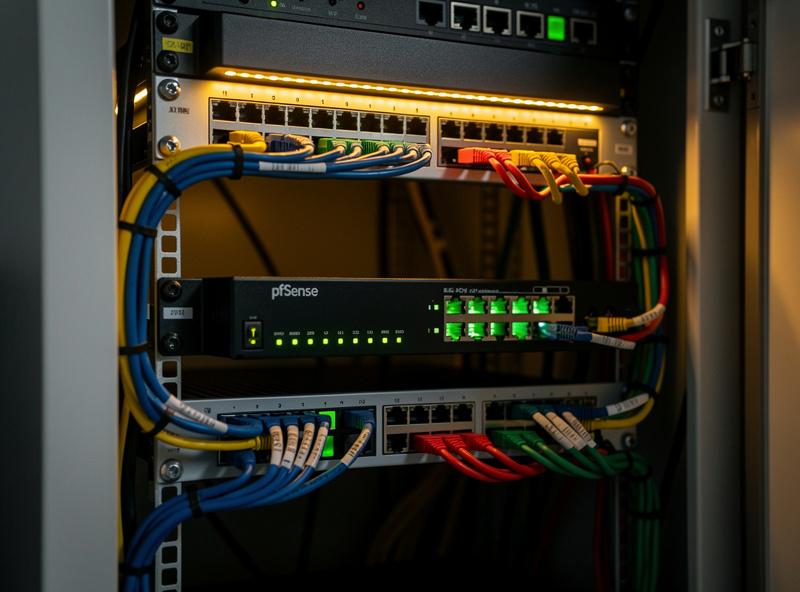
The firewall rules below apply equally to pfSense and OPNsense — only the menu paths differ. Four core rules cover 90% of the policy:
Rule 1 — Allow Wellness IoT to reach DNS. Otherwise the device cannot resolve manufacturer cloud hostnames and the integration breaks. Allow VLAN 20 → DNS server (often the firewall itself), UDP/TCP 53. Many setups also allow DoH (DNS over HTTPS) on TCP 443 to a trusted resolver — this is fine and improves privacy.
Rule 2 — Allow Wellness IoT to reach manufacturer cloud only. Use a firewall alias for "sauna_cloud_endpoints" that lists the FQDNs or IP ranges the sauna actually communicates with. Most pfSense and OPNsense versions support FQDN aliases that resolve dynamically. Allow VLAN 20 → sauna_cloud_endpoints, TCP 443 (HTTPS) and TCP/UDP 8883 (MQTT-TLS).
Rule 3 — Block Wellness IoT to all other internet by default. A catch-all deny rule below the explicit allow rules. Without this rule, the device can phone home to anywhere — including unauthorized telemetry endpoints not advertised by the manufacturer.
Rule 4 — Allow Trusted (your phone) to reach Wellness IoT control plane. Only the trusted VLAN can initiate connections to the sauna controller. Allow VLAN 10 → VLAN 20, TCP 80/443/8080 (whatever the controller's LAN port is). Block VLAN 20 → VLAN 10 entirely. The sauna can never originate a connection to your laptop.
For households running a voice assistant on a separate IoT VLAN that needs to control the sauna, add a fifth rule: allow VLAN 30 → VLAN 20, TCP 443 (controller LAN port). This is the necessary exception. Without it, voice control breaks. Some keepers prefer to deliberately leave it broken and use Home Assistant on the trusted VLAN as the only control surface.
Implementation Walkthrough (pfSense or OPNsense)
The implementation has three phases: VLAN creation on the firewall, VLAN tagging on the switch ports, and DHCP scopes per VLAN.
- Create VLANs in firewall: Interfaces → VLANs (in pfSense) or Interfaces → Other Types → VLAN (in OPNsense). Assign VLAN 20 with parent interface set to your LAN port, tag 20.
- Assign and configure VLAN interface: Interfaces → Assignments. Add the new VLAN. Enable, set IP 192.168.20.1/24, save.
- DHCP server on VLAN 20: Services → DHCP Server → VLAN 20. Range 192.168.20.100-150 (small range — only need a few wellness devices).
- Switch port tagging: On your managed switch, tag the sauna's port (the port the sauna controller connects to) as VLAN 20 untagged, and tag your firewall's uplink port as trunk for VLANs 10/20/30/40. If you use Wi-Fi for the sauna, create a separate SSID on your access point bound to VLAN 20.
- Firewall rules: Implement the four (or five) rules above on the WELLNESS interface tab. Test from a phone on VLAN 20 — internet should reach the sauna's cloud only.
For practical pfSense and OPNsense rule syntax, port-tagging configurations, and rule ordering — including the gotcha that floating rules apply before per-interface rules — our partners at HomeLabRouter have a complete pfSense firewall rules walkthrough that covers exactly the patterns this article assumes. That guide is where to start if you have not built VLAN-aware firewall rules before, and it pairs directly with the four-rule policy outlined above. Their OPNsense equivalent walkthrough handles the platform difference cleanly.
Troubleshooting the Common Failures
Three failure modes account for nearly all VLAN-isolated sauna problems:
Voice control stops working. Symptom: Alexa or Google Home no longer toggles the sauna. Cause: VLAN 30 (where the voice device lives) cannot reach VLAN 20. Fix: add the explicit allow rule from VLAN 30 → VLAN 20 on TCP 443. If the voice integration uses cloud-relayed commands rather than LAN-direct, the issue is more likely manufacturer-cloud endpoint blocked — check Rule 2 alias.
Schedule/preheat not firing. Symptom: morning preheat schedule from the manufacturer app stops working. Cause: outbound MQTT-TLS (port 8883) or WebSocket (TCP 443 with persistent connection) being blocked by Rule 3. Fix: confirm the manufacturer cloud endpoint and required ports are in the alias for Rule 2. Most platforms publish their endpoint list; if not, packet capture the device for an hour and add destinations.
App says "offline" even though sauna works locally. Symptom: in-room control panel works, phone app cannot see the sauna. Cause: phone is on VLAN 30 (general IoT) instead of VLAN 10 (trusted), and Rule 4 only allows trusted → wellness. Fix: move phones to trusted VLAN, or add a controlled VLAN 30 → VLAN 20 rule for the specific phone IP.
According to CISA best practices for IoT device security, network segmentation is the single highest-impact preventive control for consumer IoT in residential environments — the rationale that drives the four-VLAN layout above. The same principles apply to all wellness devices, not just saunas, which is why dedicated wellness IoT segments have become standard in advanced smart-home builds.
What This Buys You (and What It Does Not)
VLAN isolation prevents lateral movement, limits cloud exposure, and gives you a single chokepoint to monitor and update policy from. It does not encrypt manufacturer telemetry — that is the manufacturer's job — and it does not protect against a fundamentally compromised device firmware. For the latter, the best defense is buying from manufacturers with disclosed security review processes and timely patch cadence.
The defense-in-depth view: VLAN isolation as one of three layers (network segmentation + firmware updates + minimal authorized integrations). Combined, these reduce the realistic attack surface of a smart sauna by 80-90% relative to the default install-and-forget setup. The isolation itself takes 30-45 minutes to implement once on a properly equipped firewall and switch, and it scales to any future wellness device added to the home — a red light therapy panel, a cold plunge controller, or a connected resistance trainer all join the same VLAN with the same firewall rules.
For broader context on how the sauna fits into the rest of a smart home, the voice controlled sauna integration guide covers how to add Alexa and Google routines without breaking the VLAN policy. The ultimate infrared sauna guide includes the broader buying decisions that shape which sauna you end up integrating, and the best home infrared saunas of 2026 ranks by smart integration friendliness alongside performance.
Frequently Asked Questions
Why does a smart sauna need its own VLAN?
Smart saunas process biometric session data, maintain always-on telemetry to manufacturer cloud, and accept persistent listener connections. Putting them on the main LAN gives any compromised IoT device a lateral path to the sauna controller, and exposes wellness data more broadly than necessary. A dedicated VLAN with explicit firewall rules limits exposure with minimal operational cost.
Will a VLAN break my Alexa or Google Home sauna integration?
Only if you forget the cross-VLAN rule. Voice assistants typically live on VLAN 30 (general IoT). The sauna lives on VLAN 20 (wellness). Add a firewall rule allowing VLAN 30 to reach VLAN 20 on TCP 443 and the integration continues to work. The reverse direction stays blocked.
Do I need a managed switch for sauna VLANs?
Yes if the sauna is wired Ethernet. The switch needs to tag the sauna port as VLAN 20 untagged. A small 5-8 port managed switch runs $40-90 from TP-Link, Netgear, or Ubiquiti and is enough for a typical home setup. If the sauna is Wi-Fi only, you need an access point that supports multiple SSIDs bound to different VLANs, which most prosumer access points do.
How do I know what cloud endpoints my sauna actually contacts?
Three options: check the manufacturer documentation (rare but ideal), packet capture the device for 24 hours and inventory destinations, or use pfSense pfBlockerNG or OPNsense Crowdsec to log destinations passively for a week. Most saunas reach 5-15 endpoints across DNS, NTP, MQTT, and HTTPS — small enough to put in a manageable alias.
Can I run a smart sauna on my guest network instead of building a VLAN?
Better than the main LAN, but worse than a dedicated VLAN. Guest networks usually allow internet but block LAN-to-LAN traffic, which prevents your phone on the main network from controlling the sauna. You either lose phone control or you have to allow guest-to-LAN, which removes the isolation benefit. A dedicated VLAN with explicit pinholes is cleaner.
What firewall is best for sauna VLAN isolation?
pfSense or OPNsense running on a small mini PC are the typical choices. Either supports VLANs, FQDN aliases for manufacturer cloud endpoints, and detailed inter-VLAN firewall rules. Consumer routers usually do not support per-VLAN rules at the granularity needed. UniFi Dream Machine and similar prosumer all-in-ones also work, with a less granular rule editor.
Will VLAN isolation slow down the sauna?
No. Inter-VLAN routing on a modern firewall handles tens of gigabits. The sauna pulls maybe 5-50 KB/s of telemetry plus occasional control commands — utterly trivial. The latency added by routing through the firewall is under 1ms, well below any user-perceptible threshold.